Logo reveals
Logo reveals built around turn a static logo into a reusable opening, transition, or sign-off.
Create logo animation videos for video intros, outros, social posts, presentations, and campaign assets. Turn vector or image logo files, brand guidelines, sound direction, and motion references into editable creative with motion, voice, music, and polished exports.
Build practical assets for video intros, outros, social posts, presentations, and campaign assets, then adapt the strongest idea for another audience, message, or placement.
Logo reveals built around turn a static logo into a reusable opening, transition, or sign-off.
Animated stings built around keep the motion recognizable and on-brand, preserve logo proportions, and create reusable versions for different backgrounds and durations.
Video outros built around turn a static logo into a reusable opening, transition, or sign-off.
Brand transitions built around keep the motion recognizable and on-brand, preserve logo proportions, and create reusable versions for different backgrounds and durations.
Social logo loops built around turn a static logo into a reusable opening, transition, or sign-off.
Presentation openers built around keep the motion recognizable and on-brand, preserve logo proportions, and create reusable versions for different backgrounds and durations.
Use AI assistance for speed, then keep control over the scenes, timing, and message.
Describe the audience, goal, channel, and result you want the creative to communicate.
Upload vector or image logo files, brand guidelines, sound direction, and motion references.
Edit the script, layout, typography, motion, voice, music, timing, and scene order.
Create the formats you need, then produce new hooks and variations from the same foundation.
PlayableLab combines HTML5-based creative capabilities with a visual editor, timeline control, and layered scenes. Coordinate visuals, voice, music, typography, and animation, then reuse the motion system and export a finished video.
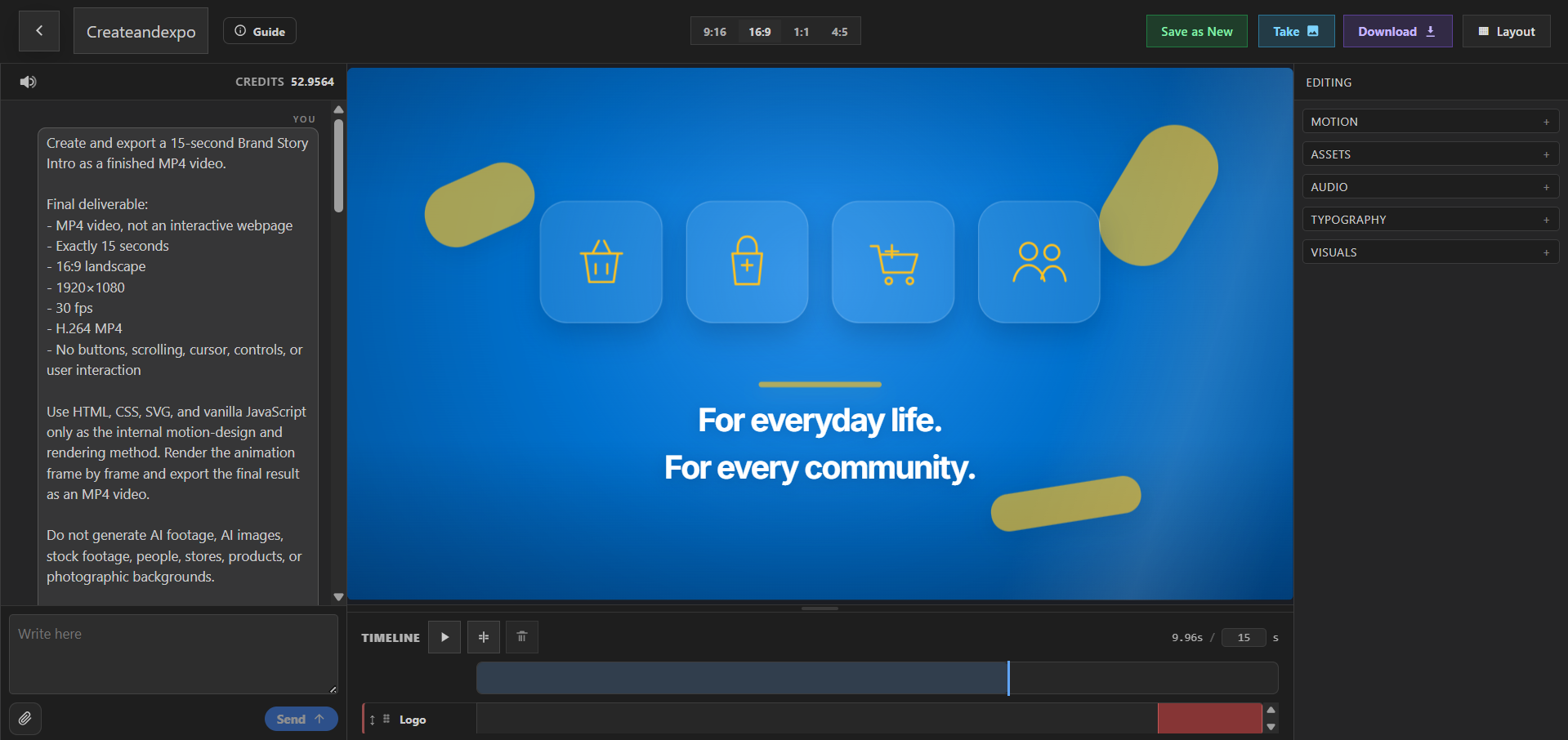
Logo Animation Videos help brands, agencies, and video teams turn a static logo into a reusable opening, transition, or sign-off. PlayableLab turns a prompt and source assets into a structured first cut that you can refine instead of treating generation as the final step.
Keep the motion recognizable and on-brand, preserve logo proportions, and create reusable versions for different backgrounds and durations. Return to the Animated Videos overview to compare this format with the other creative workflows in the category.
Compare adjacent formats and choose the workflow that best matches your audience and distribution plan.
Logo Animation Videos are videos created for video intros, outros, social posts, presentations, and campaign assets. They are most useful when the creative is shaped around the audience, placement, and action you want viewers to take.
You can create Logo reveals, Animated stings, Video outros, Brand transitions, Social logo loops, and presentation openers. Each concept remains editable so you can adapt the story for a different message or audience.
Keep the motion recognizable and on-brand, preserve logo proportions, and create reusable versions for different backgrounds and durations.
Yes. Start with vector or image logo files, brand guidelines, sound direction, and motion references. You can combine uploaded material with generated visuals, voice, music, typography, and motion while keeping the scenes editable.
Yes. Duplicate the concept, change the opening, message, scene order, visual treatment, or CTA, and preserve the parts that already support the goal: turn a static logo into a reusable opening, transition, or sign-off.
Export export-ready videos with editable scenes, layered elements, precise timing, and reusable motion styles. Check the latest specifications and content policies for the channel or platform where you plan to publish or run the asset.
Start with a prompt or your own assets, refine the creative, and export a finished result.
By continuing, you agree to the Terms of Service and Privacy Policy.
Already have an account?