
Explainer Videos
Turn complex products, processes, lessons, and information into clear visual explanations.
What you can do with Explainer Videos
Start with the audience question
Structure the explanation around what viewers need to understand or do next.
Show instead of over-explaining
Use scenes, diagrams, examples, interfaces, charts, and motion where visuals clarify the idea.
Keep every layer editable
Refine the script, voice, visuals, timing, terminology, and depth for each audience.
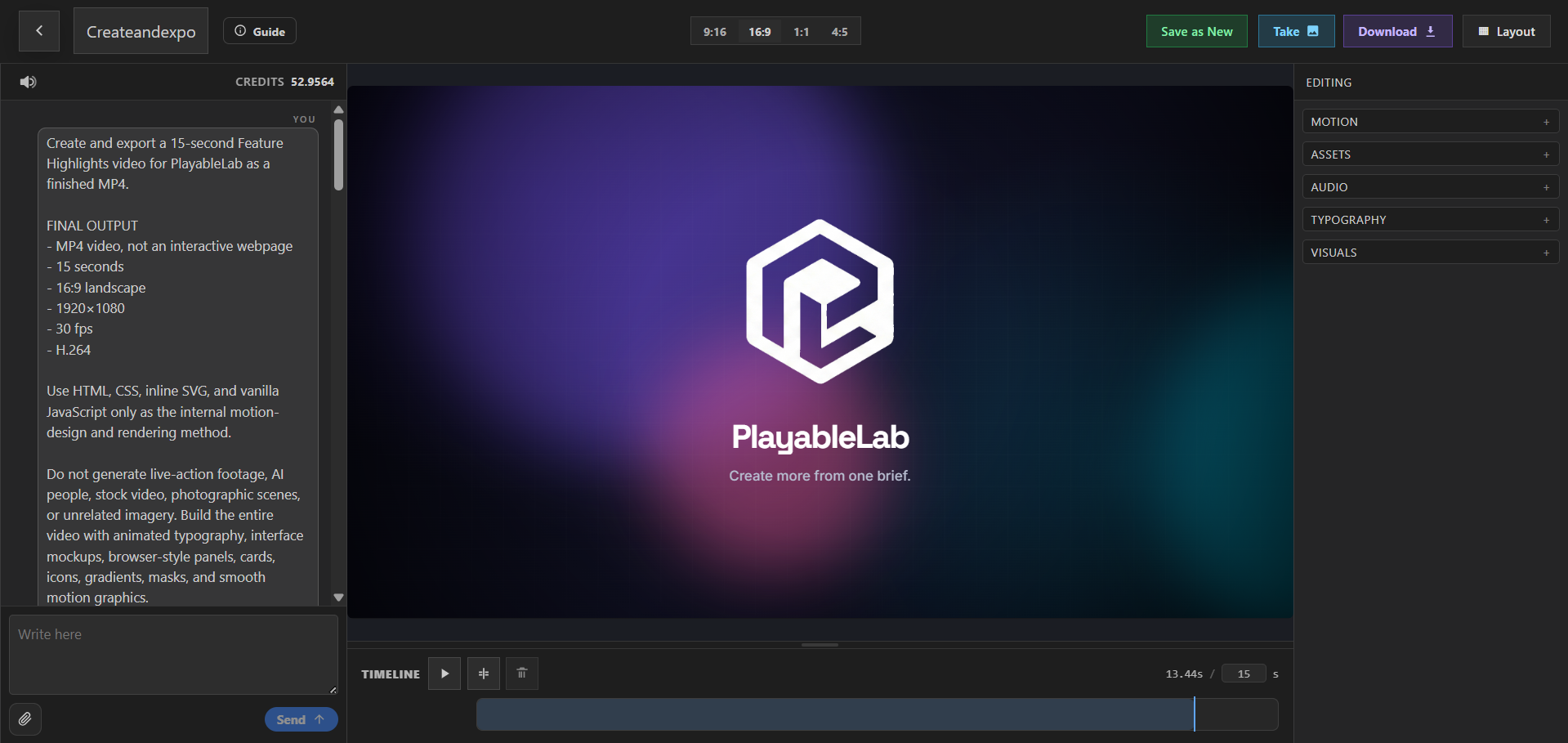
PlayableLab helps teams create explainer videos from prompts, outlines, documents, screenshots, diagrams, charts, and source recordings. Build a structured first cut, then edit the script and scenes until the explanation matches the audience’s existing knowledge.
Use motion and examples to reveal relationships that are difficult to communicate in a paragraph. Coordinate narration, animated typography, interface captures, illustrations, and data visuals without turning every concept into the same generic template.
Create product and SaaS explainers, app overviews, educational videos, tutorials, how-to content, data stories, and report summaries for websites, onboarding, sales, support, and presentations.
Explore explainer video formats
Make products, processes, lessons, reports, and complex ideas easier to understand.
AI Explainer Videos
Turn ideas and source material into structured, editable explainers.
Explore use case →Animated Explainer Videos
Explain abstract ideas with purposeful motion and visual metaphors.
Explore use case →SaaS Explainer Videos
Connect SaaS workflows to clear customer outcomes.
Explore use case →Product Explainer Videos
Explain what a product does, how it works, and why it matters.
Explore use case →App Explainer Videos
Show app workflows and benefits through clear mobile-first explainers.
Explore use case →Educational Videos
Turn lessons and expertise into focused educational videos.
Explore use case →Tutorial Videos
Teach repeatable tasks with step-by-step visual guidance.
Explore use case →How-To Videos
Answer practical questions with concise step-by-step videos.
Explore use case →Data Visualization Videos
Turn charts and key findings into clear animated data stories.
Explore use case →Report Summary Videos
Condense reports into supported findings and visual summaries.
Explore use case →Build the story around understanding
Decide what the viewer should learn, then give every scene one clear job.
- Turn source material into a sequence of questions, explanations, examples, and recap moments.
- Choose the right visual treatment for each idea: interface, animation, chart, text, or demonstration.
- Adjust depth, terminology, pace, and format for prospects, customers, employees, or learners.
Create your next explainer videos
Structure the explanation into clear scenes, refine the script and visuals, and export a polished result.