
AI Video Generation: From Prompt to Publish
How AI video generation actually works, the main approaches compared, and a practical workflow for turning a prompt into publish-ready video.
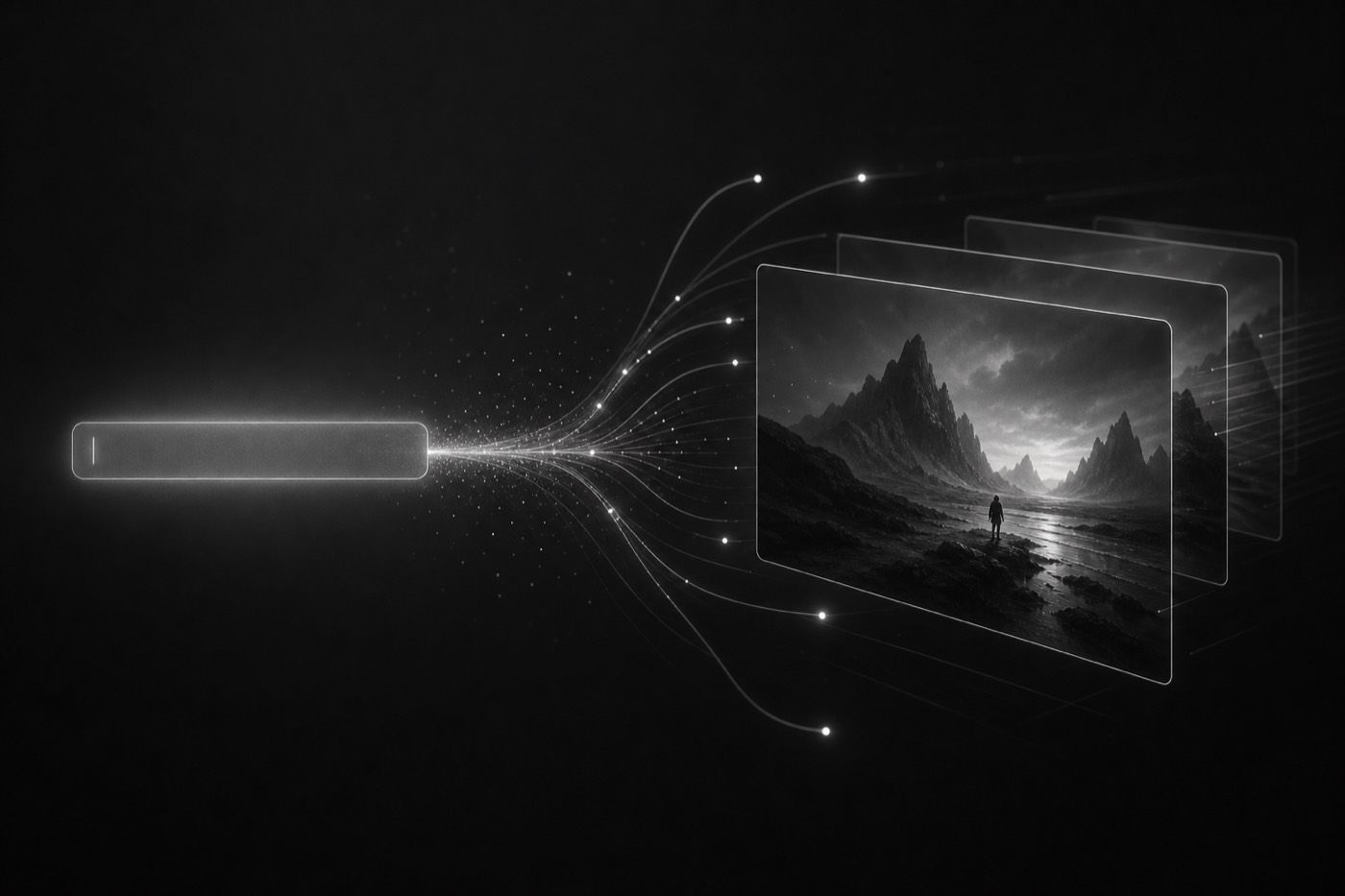
AI video generation has moved from novelty to workflow. For marketing and product teams, the real value isn't a single magic clip, it's the ability to turn an idea into an editable first cut in minutes and produce dozens of variations for testing. This guide explains how it works, compares the main approaches, and lays out a practical prompt-to-publish workflow.
What is AI video generation?
AI video generation is the process of producing video from inputs, a text prompt, a script, images, or a document, using machine learning models. Instead of filming or hand-animating every frame, you describe what you want, and the system assembles a structured draft: scenes, motion, voice, music, and typography that you can then edit.
The mental shift that matters: generation is the beginning of the process, not the end. The best teams generate fast, then apply human judgment to sharpen the message and keep it on-brand.
How it works, step by step
Under the hood, most prompt-to-video systems follow a similar pipeline:
- Interpret intent. The prompt (plus any assets) is parsed into a goal, audience, and message.
- Plan the structure. The system drafts a scene-by-scene outline, hook, body, and CTA.
- Generate media. Visuals, voice, music, motion, and typography are produced or matched per scene.
- Assemble a cut. Scenes are timed and sequenced into a coherent draft.
- Hand off for editing. You refine copy, swap assets, adjust pacing, and export.
The main approaches compared
"AI video" is an umbrella term. Under it sit several distinct approaches, each with different strengths. Here's how they stack up.
| Approach | How it works | Best for | Trade-off |
|---|---|---|---|
| Text-to-video | Generates footage from a description | Novel visuals, concepts | Less predictable, harder to keep on-brand |
| Template-based AI | Fills a proven structure with your content | Speed, consistency, volume | Less open-ended creativity |
| Avatar / talking-head | AI presenter reads a script | Explainers, training, updates | Can feel uniform without variation |
| Asset-to-video | Turns images, docs, or footage into a cut | Repurposing existing material | Depends on source quality |
| Hybrid (generate + edit) | AI first cut, human refinement | Most marketing use cases | Requires an editing step |
For most marketing work, the hybrid approach wins: generate a first version from PlayAI, then refine it. That's the model behind our AI explainer videos and video ads workflows.
The prompt-to-publish workflow
Here's a repeatable path from blank prompt to a published, on-brand video.
- Brief the prompt. State the audience, goal, channel, tone, message, length, and CTA.
- Generate a first cut. Let the system produce a structured draft to react to.
- Add your assets. Bring in logos, product shots, footage, fonts, and colors.
- Iterate with a new brief. Ask for a tighter script, different pacing, or another voice.
- Branch variations. Duplicate the concept and change the hook, CTA, or format.
- Export & publish. Render the right aspect ratio for each placement, add captions, and ship.
Writing better video prompts
Good prompts read like a tight creative brief. Include:
- Audience: who it's for and their level of familiarity.
- Goal: the single action you want viewers to take.
- Channel & format: platform, aspect ratio, and length.
- Message: the one idea to communicate.
- Tone & style: energetic, calm, premium, playful.
- CTA: the closing instruction.
Describe the outcome, not just the visuals. "A 15-second 9:16 ad for busy parents that ends with 'Start your free trial'" beats "a cool video about our app." , How to brief an AI video
Key terms, defined
A quick glossary to navigate the space:
- Prompt: the text instruction describing the video you want.
- First cut: the initial editable draft the system generates.
- Text-to-video: generating footage directly from a description.
- Storyboard: the scene-by-scene plan before rendering.
- Render / export: producing the final video file in a chosen format.
- Variation: an alternate version that changes one element for testing.
Key takeaways
- AI video generation produces an editable first cut, not a finished film.
- The hybrid "generate then refine" model fits most marketing needs.
- Clear, brief-style prompts produce more usable output.
- Bring your own assets to keep results on-brand.
- Use AI's speed to produce many variations and test into the winner.
AI video generation questions, answered
AI video generation is the process of creating video from inputs like a text prompt, a script, images, or a document using machine learning models. Instead of filming or animating every frame by hand, you describe what you want and the system produces a finished cut you can iterate on with new briefs.
Yes, when you treat generation as a starting point rather than the finished product. The strongest results come from generating a first version from PlayAI and then iterating with new briefs on the script, scenes, timing, voice, and branding. AI is especially effective for producing many variations quickly for testing.
Describe the audience, goal, channel, tone, key message, and desired outcome, not just the visuals. Specify length, aspect ratio, and the call to action. Clear intent produces a more usable first cut, which means fewer iterations afterward.
Yes. Modern tools let you combine uploaded logos, product shots, footage, fonts, and colors with generated visuals, voice, music, and motion, so the output stays on-brand in every scene.
Text-to-video generates footage directly from a description, offering maximum creative flexibility. Template-based AI video fills a proven structure with your content and assets, offering speed, consistency, and predictable results. Many workflows combine both.